
Builds a structured launch checklist.
SuperCompareAI
Compare before you trust.
Ask once.Compare AI answers.
Send one prompt to the AI tools you already use, then compare every answer.
12Choose any combination from 12 AI servicesChatGPT, Claude, and Gemini are representative defaults. Select the exact services your task needs.
ClerkSign inPolarGet Lifetime
Real extension screens
From question to comparison, all in one place
See the key screens used in the real Chrome extension.
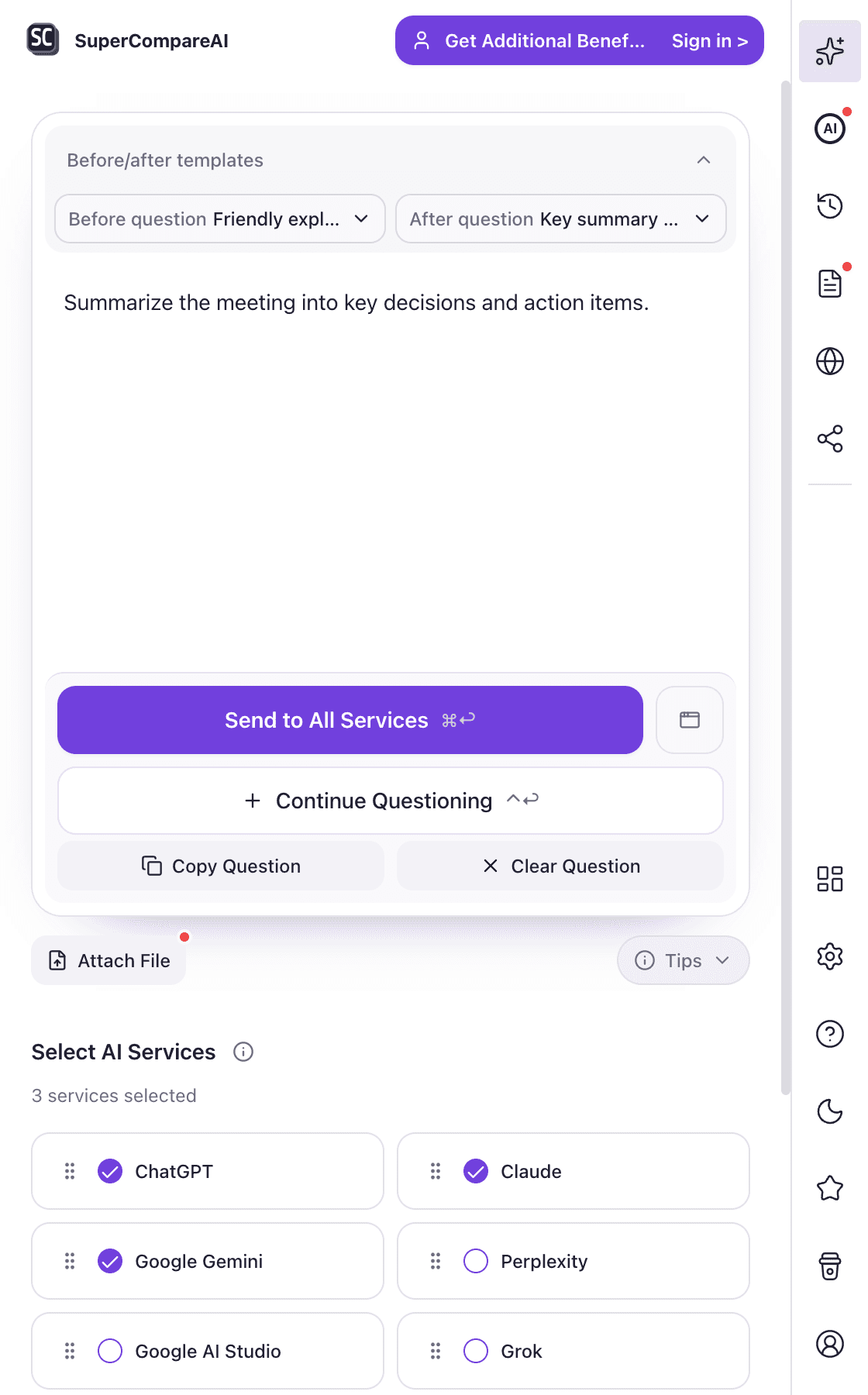
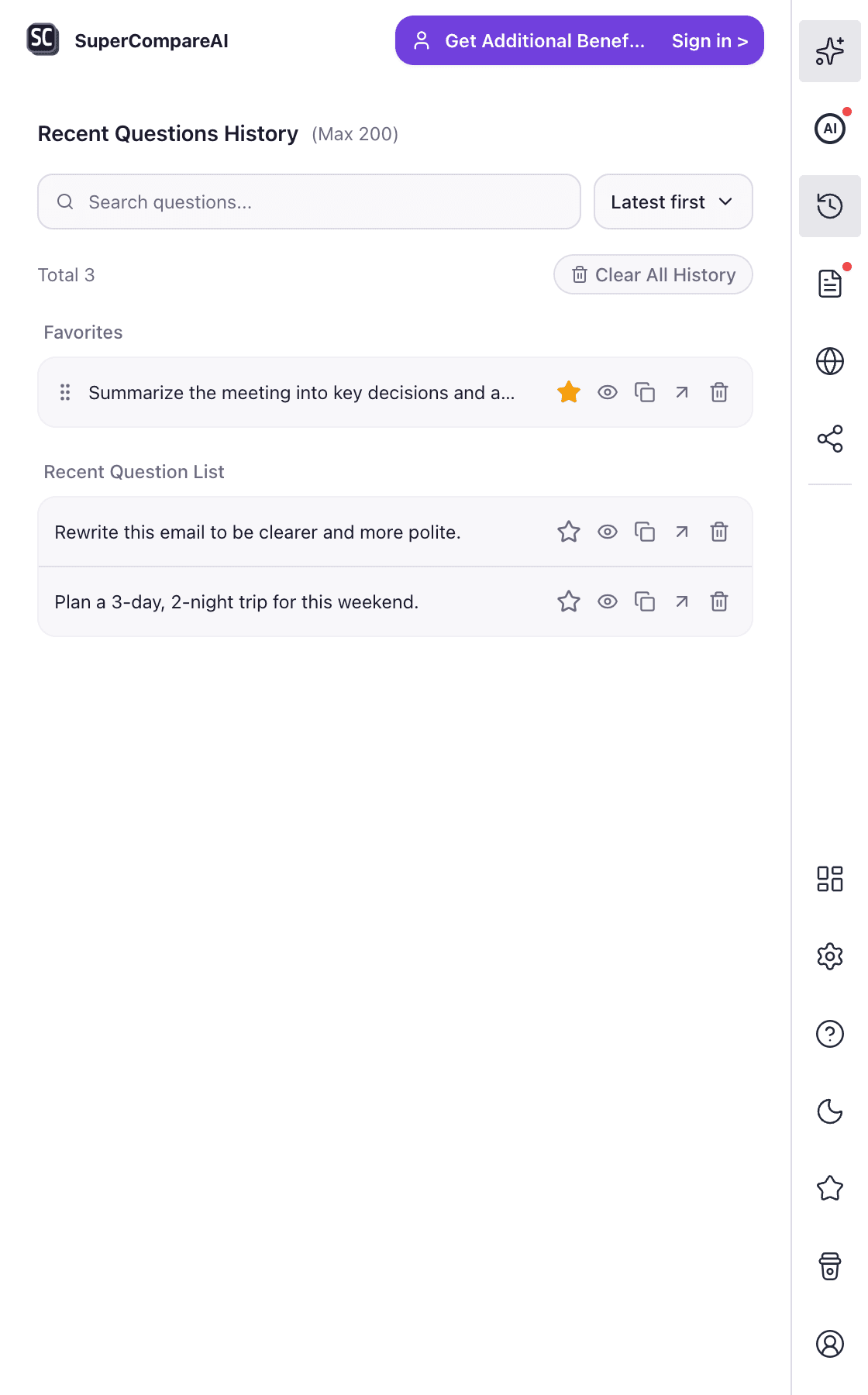
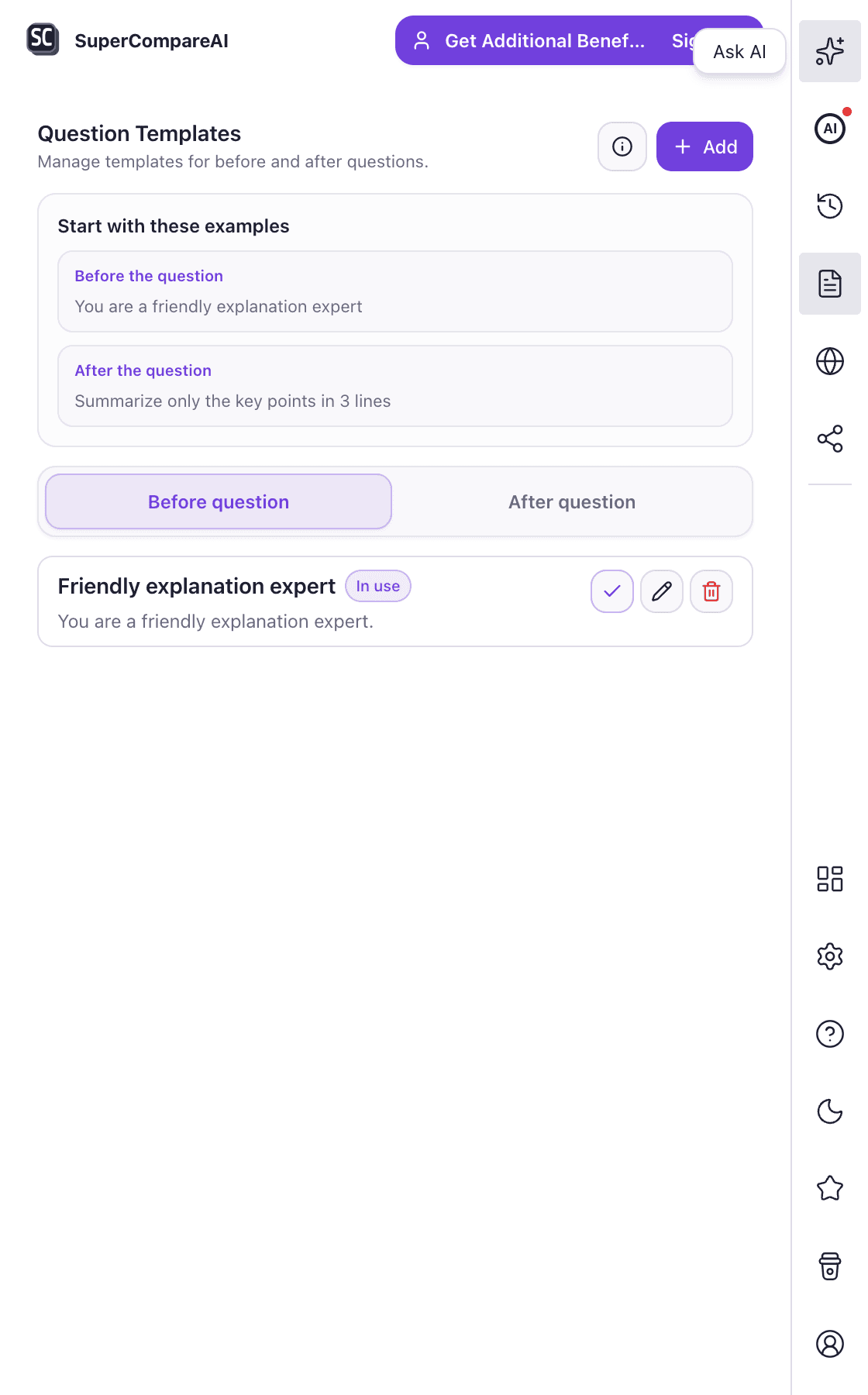
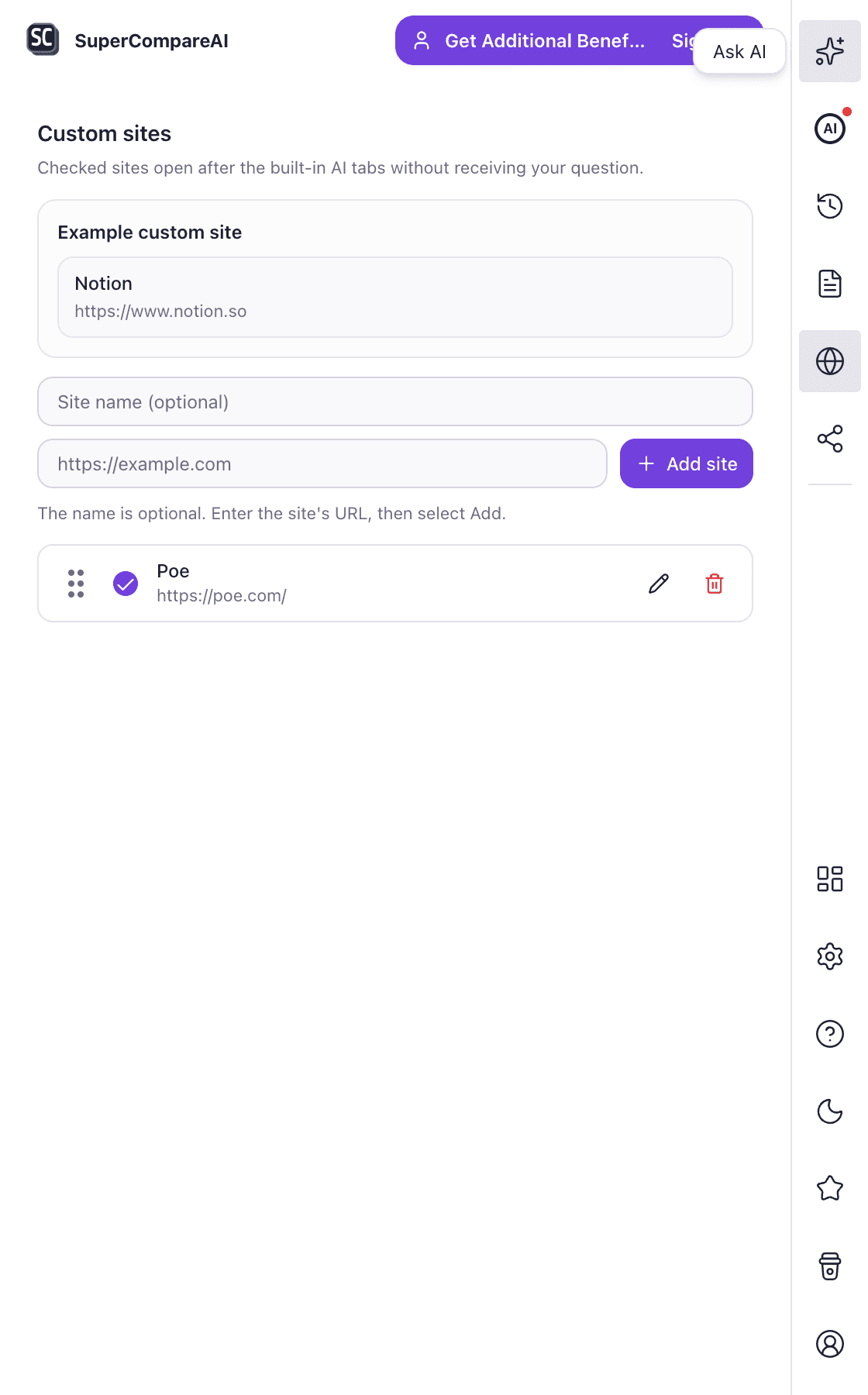
- 12
- AI services
- 0
- API keys needed
- Your accounts
- No extra paid AI plan
- 4.8 / 5
- Chrome Web Store rating
A clear comparison
The same question reveals different strengths.
Keep each answer in its original service while one workflow connects the tabs.
Choose the AI services you want to compare
Select services individually, use the representative three, or send the prompt to all twelve.
Example promptWhat should I check before launching a new product?
Surfaces assumptions and decision risks.
Connects launch steps to research tasks.
Select services individually, use the representative three, or send the prompt to all twelve.
Three steps
One question. More than one perspective.
SuperCompareAI removes the repeated copy and paste between AI tabs.
- 01
Ask
Write a question once and choose the AI services you want to hear from.
- 02
Send
SuperCompareAI opens the selected services and sends the same question.
- 03
Compare
Move through the answers, spot differences, and choose what fits your work.
Private by design
Your prompts stay out of our servers.
SuperCompareAI works inside your browser with the AI accounts you already use.
- No prompt or AI response content is stored on SuperCompareAI servers.
- Question history is stored locally in your browser.
- No AI provider API keys are required.
CLERK + POLAR
Sign in with Clerk. Pay through Polar.
Clerk handles account and session authentication. Polar hosts checkout and manages the order as Merchant of Record.
ACCOUNT AUTHENTICATIONClerk
Clerk
Signed session tokens are verified so protected requests stay tied to the signed-in account.
Sign inCHECKOUT AND ORDERPolar
Polar Checkout
Payment is completed on Polar Checkout, with Polar handling the order, payment, and applicable sales tax.
Get LifetimeSuperCompareAI does not directly collect or store card numbers.
$19 one-time payment · no recurring billing
Lifetime access is linked to the Clerk account used at checkout.
ClerkPolar CheckoutMerchant of Record$19 Lifetime
Card details are entered in Polar Checkout. SuperCompare AI receives the confirmed order state and connects access to the signed-in account.
Simple pricing
Start free. Pay once if you need more.
Try 5 questions as a guest or 15 after sign-in. Lifetime access is a one-time $19 purchase.
Free
$0trial
Try the complete comparison workflow before paying.
- 5 guest questions
- 15 questions after sign-in
- Choose from all 12 AI services
- Attach up to 5 files
- Templates and custom sites stay free
Lifetime
$19one time
Keep using SuperCompareAI without a recurring bill.
- Unlimited questions
- Use all 12 AI services
- Image attachments
- Local history, templates, and custom sites
- Lifetime updates included
SuperCompareAI does not directly collect or store card numbers. $19 one-time payment · no recurring billing
FAQ
What to know before you install
Which AI services can I use?
SuperCompareAI supports 12 services, including ChatGPT, Claude, Gemini, Perplexity, DeepSeek, Grok, Copilot, Google AI Studio, and others.
Do I need API keys?
No. The extension uses the AI websites and accounts you already sign in to.
Is SuperCompareAI free?
Yes. You can try 5 questions as a guest or 15 after signing in. Continued AI sending and history access require Lifetime access after the trial.
Where is my question history stored?
History is stored locally in your browser. SuperCompareAI servers do not store prompt or answer content.
Does it combine AI answers into one response?
No. Each answer stays in its original AI service so you can review the source directly and make the final judgment.
One prompt is enough to start comparing.
Install SuperCompareAI and ask the AI tools you already use.
Add to Chrome